

Why Landing Page Decisions Affect Paid Advertising Results
Landing page decisions affect paid advertising results because the page, not the ad, decides whether each click converts. You've already paid for the visit by the time someone arrives.
Despite this, plenty of advertisers spend the week inside the ad account, adjusting bids and keywords. At Oikos Project, we see the same pattern across PPC campaigns: the budget keeps moving, but the page never changes.
This guide covers how landing page experience feeds your Quality Score, which design choices lift conversions, and why mobile speed loses clicks. You'll also see a testing table you can run on your current budget.
Why Do PPC Landing Pages Decide Your Google Ads Results?

PPC landing pages influence your Google Ads results because landing page experience affects Quality Score, while the page itself affects conversions. Google rates the page you send clicks to, and that rating changes what you pay.
Let's look at how your landing page affects Quality Score, how well it matches your ad, and where visitors end up.
How Landing Page Experience Feeds Your Quality Score
Your landing page experience feeds the Quality Score as one of the three things Google measures, right beside ad relevance and expected click-through rate (CTR). A page that loads fast, answers the visitor's question, and delivers the promise in your ad is more likely to earn a better rating.
And that rating gives you a clue about how Google sees your page. Landing page experience also plays a part in Ad Rank, which affects your ad position and what you pay per click. A weak page leaves you paying more to compete for the same spot, even when your bid stays the same (we've seen that gap close within a few weeks).
If you want to see how your page is doing, check the Landing page experience column against each keyword in your Google Ads account. You'll find three possible ratings: Above average, Average, and Below average. If yours says "Below average", start by checking whether the page matches your ad and gives visitors what they came for. Google's Ads Help documentation explains what each rating means.
Message Match Between Your Ad Copy and Page Content
Message match means your PPC ad and the page behind it say the same thing. When those words differ, visitors wonder whether they clicked the right link. For example, if your ad promises a 30% discount on running shoes, but the landing page only shows full-priced products. Visitors who came for that discount will likely leave without buying anything.
That kind of hesitation costs you money. In the accounts we update by hand every day, a mismatched headline is often the first thing to pull form submissions down. That's why we recommend our clients point each ad group and its target audience to a page that matches the offer.
And to keep that message consistent, repeat the offer in the first line of your landing page content (the subhead can carry the details your headline leaves out).
Homepage or Dedicated Landing Page: Where Should Paid Clicks Go?
Paid traffic that lands on your homepage meets a row of competing links and no clear next step. Plenty of visitors who clicked your ad looking for one service give up hunting for it, especially if they have to search through menus and unrelated offers.
Dedicated PPC landing pages, in contrast, keep the focus on one offer and one action. Say a dentist runs an ad for teeth whitening in one ZIP code. Sending those clicks to a homepage covering every dental service gives visitors extra work. A dedicated page can show the whitening offer, explain the treatment, and place a booking form where visitors can easily find it.
Since visitors arrive looking for a specific service, send them to a page that answers their questions and gives them a clear next step. Building landing pages for PPC is the first fix we make sure happens on a new account, before anyone touches a bid.
Landing Page Design: Best Practices That Lift Paid Search Conversions
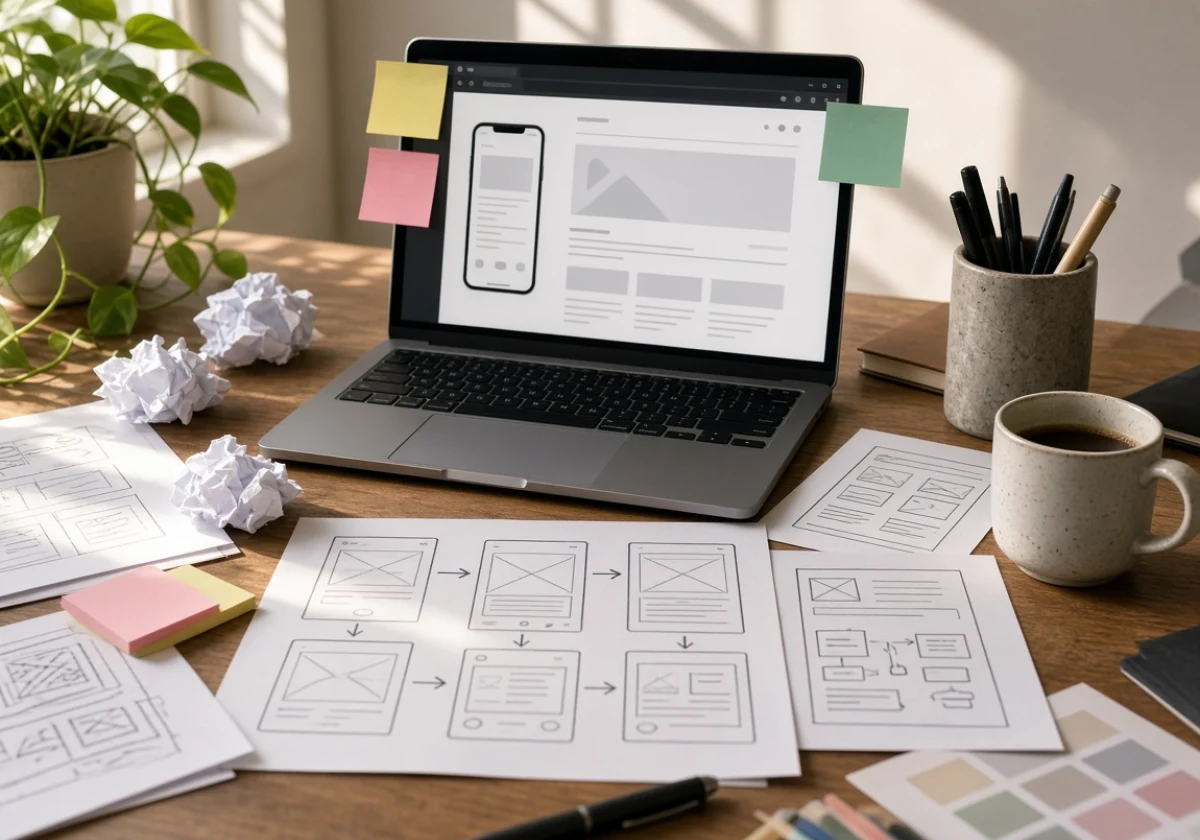
Good landing page design starts with making the next step easier for visitors. A few changes to your existing page can remove distractions that stop people from converting. And you don't need to rebuild the whole page to see what works. Start with the parts visitors interact with most.
Three elements are worth checking first, and you can make many of these changes without a developer.
- One Clear Call to Action: Every CTA button should ask for the same thing. Competing calls to action split attention and pull conversion rates down. For example, if your goal is to book consultations, use "Book a Consultation" throughout the page instead of mixing it with "Learn More" and "Contact Us."
- Short Forms That Respect Time: Cut fields to what your sales team uses on the first call. If a name, email address, and phone number are enough, leave questions about company size or budget for later. Add a Privacy Policy link under the button so visitors know where to check how you'll handle their information.
- Trust Signals Above the Fold: Reviews, logos, and a phone number give visitors a reason to trust you. So place a short customer review near the main CTA, preferably with the customer's name and business if you have permission. If you use client logos, choose ones visitors will recognize and make sure you have permission to display them.
Quick Tip: As you make these changes, use Google Ads Experiments or an A/B testing tool like Optimizely to compare the original landing page with an updated version. Test one element at a time so you know which edit affected your conversions.
Mobile Speed and Clear Messaging Keep Paid Clicks From Bouncing
Much of your paid search traffic now arrives on a phone, where patience runs short. Someone taps your ad at a gas station on the way home, and a slow page loses them before the headline appears.
Speed sets the ceiling on everything else here. Google's 2016 mobile speed research found that 53% of mobile site visits ended when pages took longer than three seconds to load. While that figure is older, speed still deserves attention. Under Google's current Core Web Vitals guidelines, the largest visible content element should load within 2.5 seconds for a good user experience.
So, where should you look if your page is slow? Beyond the design choices above, speed problems trace back to the same few causes. For instance, oversized hero images, a heavy page builder, and tracking scripts all add to loading time, especially on a phone connection. To see how they affect your page, test it on 4G rather than the fast Wi-Fi in your office.
Once the page loads, the next job is to get your message across quickly. Write the landing page headline so a reader on a small screen understands the offer without scrolling. Then place the main CTA button within easy reach, so visitors know what to do next.
Still, speed alone won't save a vague offer. If you only change one thing this month, make the value proposition plain. Tell visitors what you do, who it's for, and what happens next.
The same thinking applies to everything else on the page. In our own account work, the PPC pages that hold mobile traffic share one habit: they cut whatever doesn't help someone decide. That includes the navigation bar, which quietly sends paid visitors into the rest of your website.
Testing Your Way to Steady Conversion Gains

Even a simple A/B testing habit helps you see which landing page changes work and which ones don't. With the basics in place, you can start comparing different versions rather than relying on guesses.
The table below covers four tests worth running first. Each one focuses on a different part of landing page optimization, so you'll know what to measure after making a change.
| Test | What you change | What it usually moves |
|---|---|---|
| Headline | Match the exact phrase from your ad | Bounce rate |
| Call to action | Swap generic text for the offer | Clicks to the form |
| Form length | Remove two optional fields | Lead volume |
| Social proof | Move reviews above the fold | Conversion rate |
Whichever test you choose from the table, run it with your original page and a revised version side by side. Keep both versions live until you've collected enough conversions to compare them with reasonable confidence. For a busy campaign, that may take two weeks, while a smaller account could need longer.
That takes patience, but it also helps you avoid making changes based on too little data. Targeted landing pages built for one ad group make the results easier to compare, since visitors arrive looking for the same offer.
Build Landing Pages That Earn Their Clicks
Your ad buys the click, but your landing pages decide what that click is worth. A clearer offer, faster loading time, and fewer distractions give visitors a better reason to convert.
From here, start with the page behind your highest-spend ad group. Check the match, the speed, and the single action you want a visitor to take.
Oikos Project manages PPC and digital marketing for small and medium businesses, with a separate account manager on each account. Contact the team to review your PPC landing page setup and get more from the budget you spend.
Comments are closed.